BLOG

Hesam Dadafarin
August 24, 2026


This week's update is centered on personalization and making everyday workflows easier to move through.
Adaptive Memory is now live. Tali learns how you like your notes, your formatting, your wording, and your go-to terms, and offers to make those preferences the default over time. You stay in control throughout. Nothing changes unless you choose to apply it.
We're also shipping a new table view for encounter history, redial support for Call a Patient, multiple documents per template, custom encounter labels, macros for faster text entry, and a gradual rollout of RA report summaries inside Tali Billing.
Missed last week’s update? Read it here.
Every clinician documents a little differently. The way you phrase an assessment, structure a plan, or describe a follow-up reflects years of clinical experience and personal habit. Those differences matter, and they're worth preserving.
Adaptive Memory is Tali's first step toward a scribe that gets more accurate to you over time, not just accurate in general.
Alongside that, this week's update also addresses some of the smaller friction points that add up across a busy day: finding past encounters faster, continuing a dropped call without losing your note, and creating shortcuts for text you type all the time.
Tali now learns the way you like your notes and offers to make those preferences the default.
As you edit notes inside Tali, Adaptive Memory identifies patterns in your formatting, wording, and go-to terms, then surfaces suggestions to update your templates or Personal Dictionary accordingly. Each note starts closer to how you'd write it, without requiring you to manually configure anything.
Adaptive Memory never changes your notes, templates, or Personal Dictionary automatically. Tali only suggests. Nothing applies unless you choose it.
Adaptive Memory never changes your notes, templates, or Personal Dictionary automatically. Tali only suggests. Nothing applies unless you choose it.
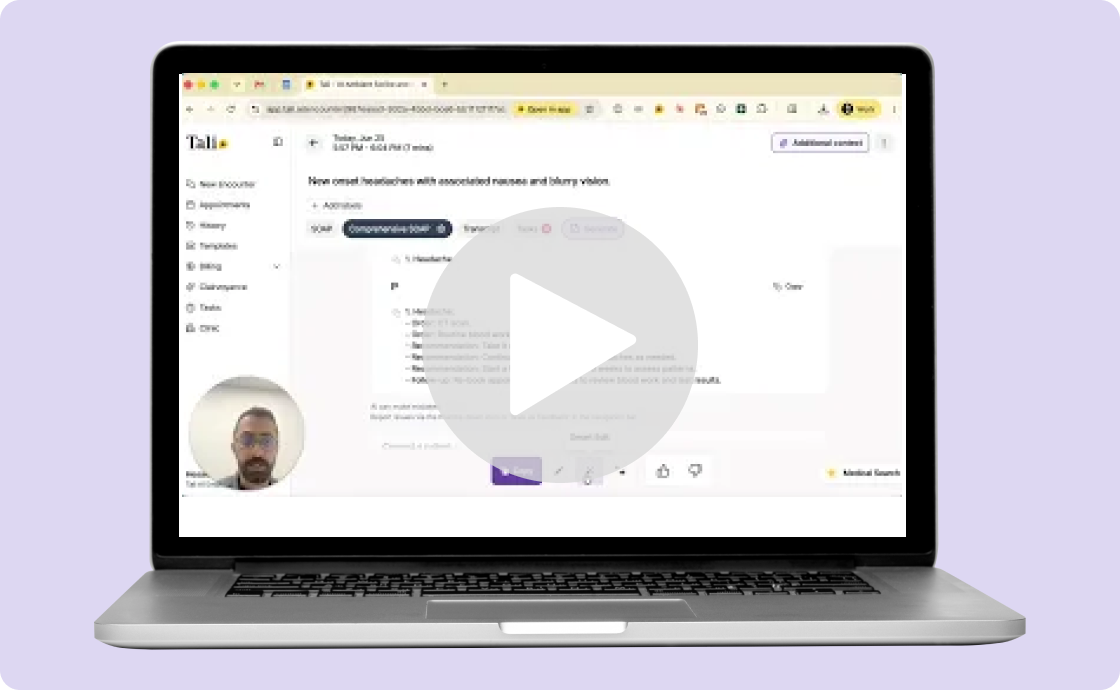
Encounter history now includes a table view that lets you scan encounter details at a glance, then filter, group, and sort to find what you need faster. You can also add labels and copy notes directly from History without opening each encounter individually.
This is especially useful when reviewing past notes between appointments or reconciling documentation at the end of the day.
If a call is disconnected, you can now redial and continue. Tali captures all segments of the call within the same encounter and generates one complete note, so a dropped connection no longer means starting over or stitching notes together manually.
You can now create multiple documents of the same template type within a single encounter. This means generating multiple referral letters, for example, without duplicating the encounter or working around template limits.
Custom labels let you filter, group, and find related encounters by clinic, visit type, follow-up status, or any category that fits your workflow. Labels apply directly in History and work alongside the new sort and filter controls.
Create typed or spoken shortcuts that insert frequently used text while editing notes. Macros reduce repetitive typing and help keep your documentation moving, particularly for phrases, instructions, or clinical language you use across multiple encounter types.
Tali Billing is beginning a gradual rollout of an interactive summary of your monthly RA report, available directly inside Tali. Stay on top of rejected claims and reconcile them quickly without switching between systems.
If you have feedback, feature requests, or ideas, reach out at product@tali.ai. Those conversations genuinely shape what we build next.
Experience the future of healthcare documentation with Tali's AI-powered solutions.
Start Free TrialRelated Articles
Product & Features
July 30, 2026
Product & Features
July 23, 2026
Product & Features
July 23, 2026

Research
August 24, 2026
5
Research
August 24, 2026
5
Research
August 24, 2026
5