BLOG

Tali AI Marketing
July 22, 2026

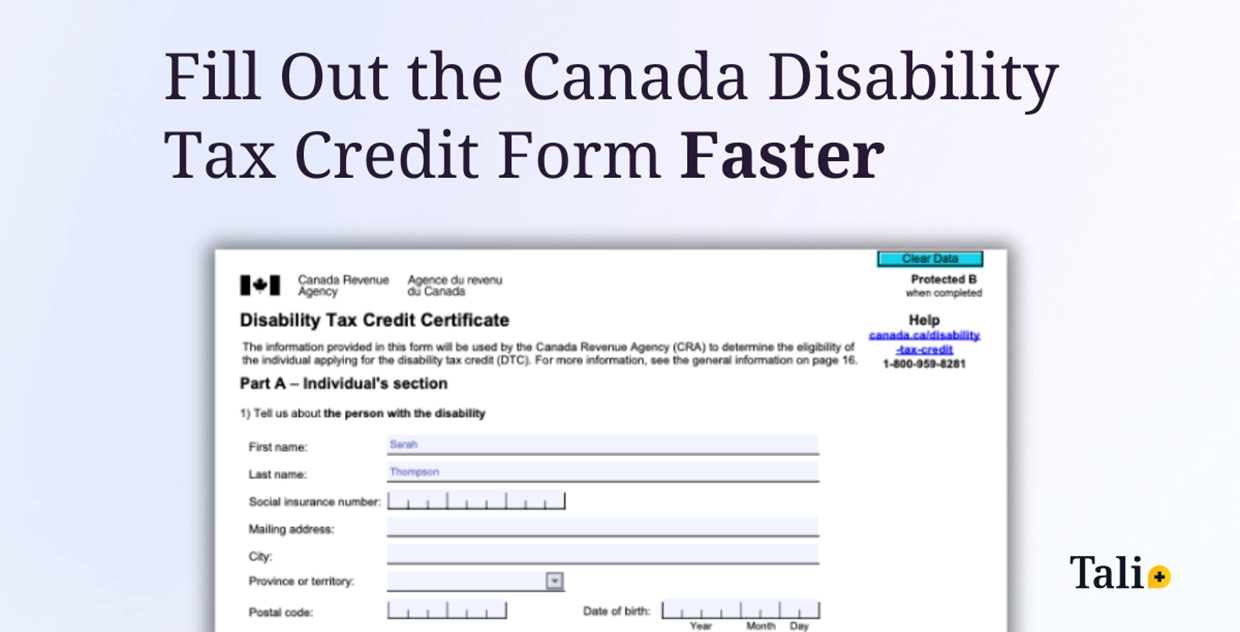
For many clinicians, the Canada Disability Tax Credit Certificate (Form T2201) is one of the most tedious documents they complete. It requires detailed patient information, precise medical descriptions, and multiple sections that must be filled out correctly to avoid rejection.
Completing this form manually can take up to 30 minutes, and any missing information can delay a patient’s financial support. The process is repetitive, time-consuming, and mentally draining for clinicians who already have heavy documentation workloads.
Where Tali comes in
Tali’s Form Filling feature simplifies this process by using data from your encounter to automatically populate the relevant sections of the form.
Here’s how it works:
1. Open a patient encounter in History, or record a new one.
Optionally, you can paste any notes into Additional Context
Once you have included all the details you want reflected in the form.
2. Click Generate, then select the Canada Disability Tax Credit form from the available list.
3. Tali automatically uses the information you provide to fill in sections such as patient name, date of birth, provider details, and relevant clinical descriptions.
4. Review and edit the form as needed, then download it for printing or submission.
The goal is not to replace your judgment, but to eliminate the repetitive steps that slow you down.
Why this saves time and improves accuracy
Tali fills what it knows and leaves what it does not, ensuring you stay the final reviewer on every submission.
Supporting patients, not paperwork
The DTC form is a gateway for patients to receive critical financial support. By helping clinicians complete it faster and more accurately, Tali indirectly helps patients access those benefits sooner.
For clinics, this means faster turnaround, fewer rework cycles, and smoother patient communication when handling DTC-related paperwork.
Secure, compliant, and built for Canada
As with all of Tali’s features, Form Filling are designed to protect your data and your patients’ privacy.
Tali is SOC 2 Type II certified and fully compliant with PHIPA, PIPEDA, and HIPAA standards. Data is processed securely in Canada and is never used to train third-party models.
Try Tali’s Form Filling today
The Canada Disability Tax Credit form is part of Tali’s growing library of Forms, now available on the Tali Web and Desktop apps for clinicians across Canada. You can start using it today to simplify one of your most repetitive tasks and reclaim valuable time for patient care.
Experience the future of healthcare documentation with Tali's AI-powered solutions.
Start Free TrialRelated Articles


Tali AI
September 16, 2022


Research
July 22, 2026
3
Research
July 22, 2026
3
Research
July 22, 2026
3