Tali is the leading Canadian AI scribe built to work seamlessly with Oscar Pro, so documentation fits naturally into your day. With a secure, reliable integration, Tali helps reduce administrative burden without disrupting how you already work in your EMR. Designed with privacy, data integrity, and Canadian healthcare standards in mind, Tali makes charting faster, safer, and easier within Oscar Pro.

Have a natural conversation while Tali records, extracts key details, and generates a complete note for you.
Learn How it Works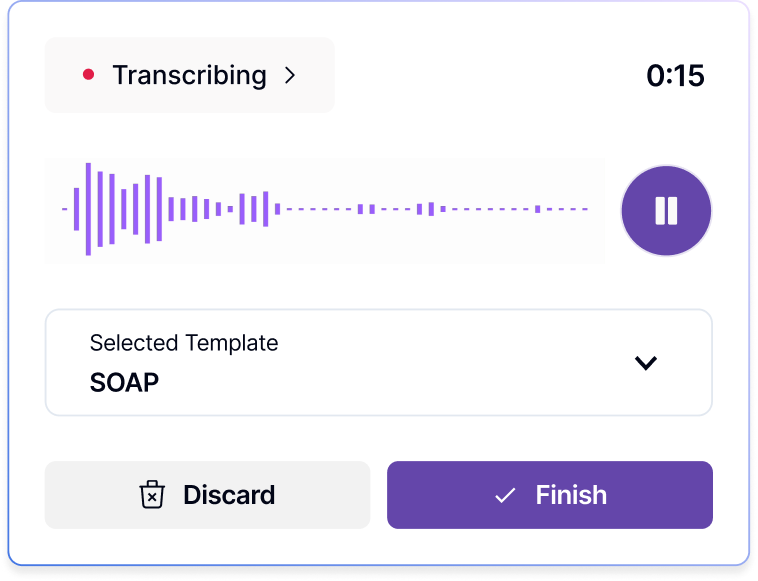

.png)

Captures natural
conversations

Complete notes
in seconds

Automates
documentation

Tali uses NLP, medical models, and speech recognition to record notes directly into your EMR, 3× faster than typing.
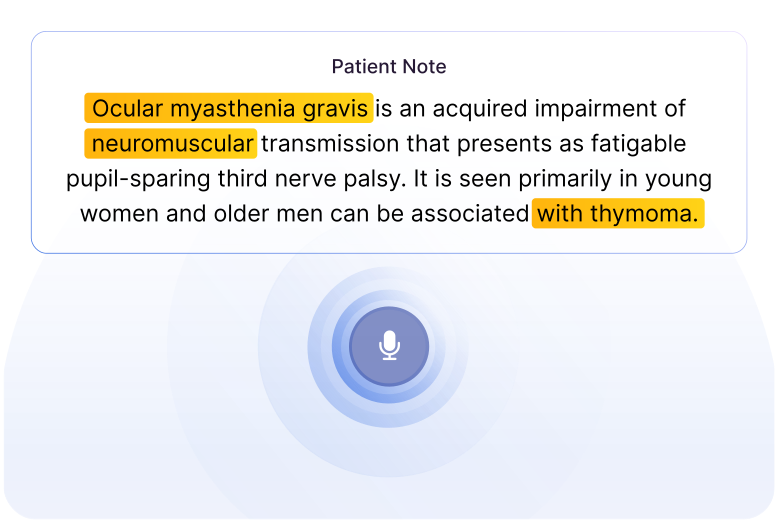

Ask Tali for drug and dosage information. Answers come from trusted, evidence-based sources like Choosing Wisely, Centre for Effective Practice, The Canadian Institute for Health Information (CIHI) and more.
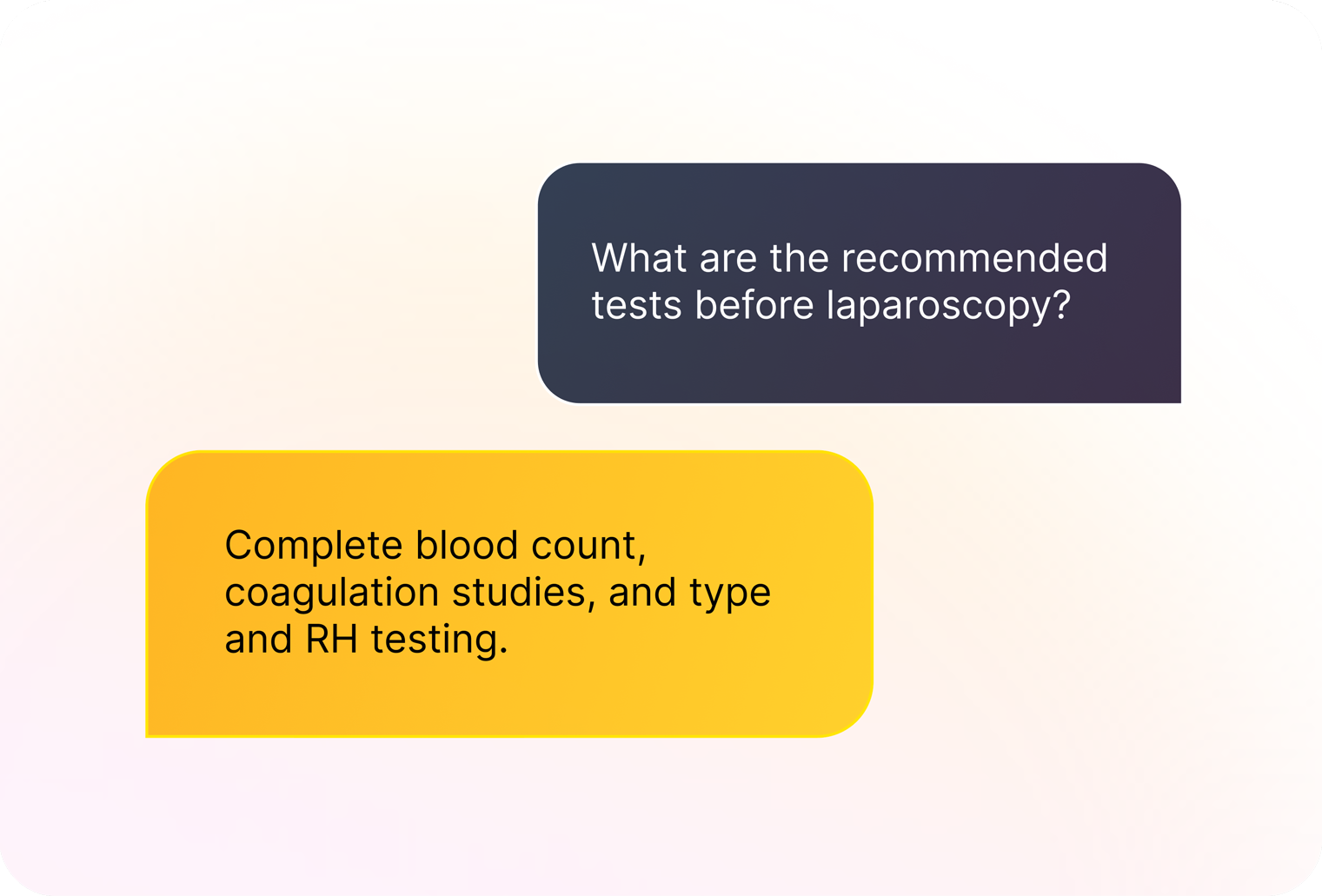
Voice-activated quick searches
Provides reliable medical sources




.svg)
.svg)
.svg)
Tali now helps fill out government and insurance forms using the information from your encounter. Save time on one of the most tedious parts of clinical work and review a fillable PDF ready to submit or print.
Start Free Trial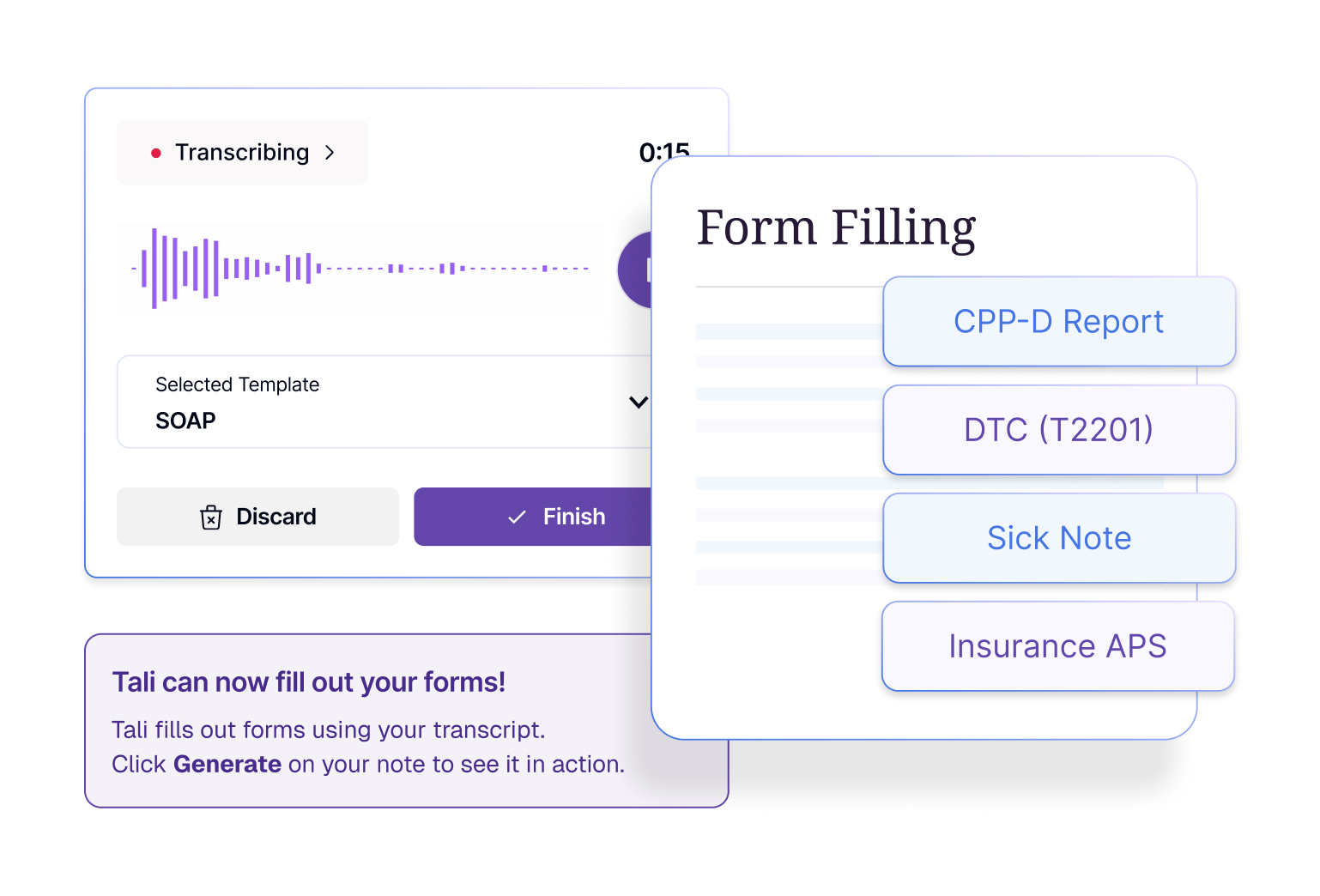


Designed to save time for healthcare professionals by streamlining workflows. Its real-time speech- to-text transcription allows physicians to dictate information, eliminating the need for manual data entry.

By reducing the need for manual data entry and other administrative tasks, Tali can help to lower costs for healthcare organizations and reduce staff workload.

This integration allows physicians to access information, schedule appointments, and order lab tests directly from within the CHR EMR system, eliminating the need to switch between multiple programs.
Tali AI is SOC 2 Type 2 certified and fully compliant with both the Personal Information Protection Act (PIPA) and the Personal Information Protection and Electronic Documents Act (PIPEDA). All services, including AI dictation and drug monograph searches, are safeguarded by multiple layers of firewalls and continuous monitoring to detect and block any suspicious activity before secure information is accessed.




All data securely stored in Canada
.png)
To start using Tali, you will be prompted to sign up or sign in after clicking on the widget on the right of your Oscar Pro homepage. Once you enter an email, Tali will identify if that email has signed up for a Tali account or not. If you have a Tali account, you will be signed in and if you don’t, you will be prompted to sign up for Tali. Once you have an account, you will be returned to your Oscar Pro homepage and can begin using Tali’s features.
Experience the future of healthcare documentation with Tali's AI-powered solutions.
Start Free Trial