 BLOG
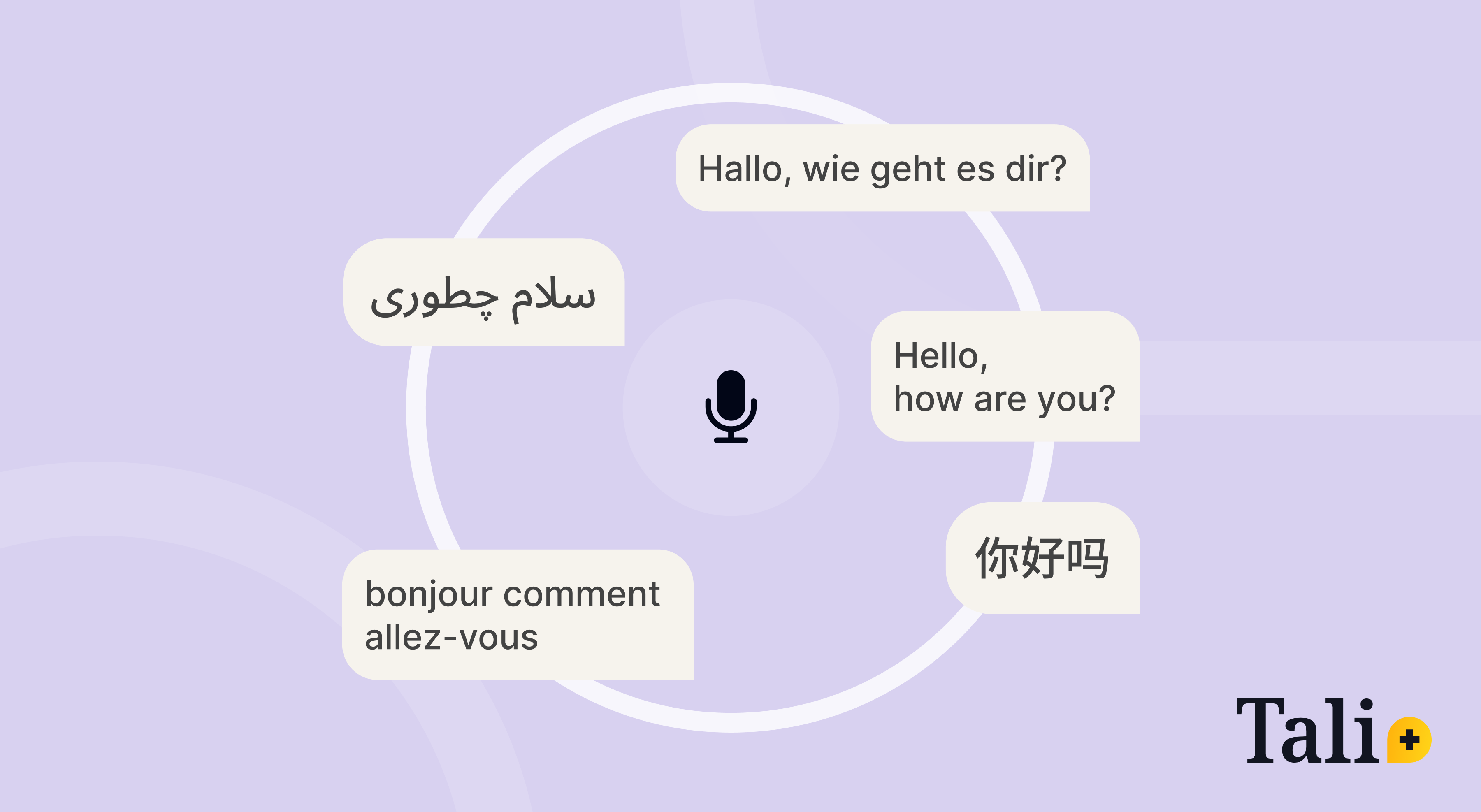
The landscape of North American healthcare is changing, and the tools clinics use must keep pace. At Tali, we believe that providing care in a patient’s native language should not create an administrative penalty for the clinician. That is why we continue to invest in multilingual AI as part of a more inclusive, more practical approach to clinical documentation.
Tali now supports 111 languages, helping more clinicians document visits in the languages they actually use in practice.
This update is not just about translation; it is about building a truly inclusive AI platform for clinics that supports the diverse reality of modern primary care. By enabling seamless multilingual documentation, we are helping clinics standardize workflows, reduce cognitive load, and ensure that every patient interaction, regardless of the language spoken, leads to high-quality clinical documentation.
You can find the full list of supported languages here.
TL;DR
- Broad Support: Tali now supports 111 languages across its platform.
- Inclusive Care: Empowers bilingual and multilingual care teams to document naturally without manual translation.
- System Efficiency: Reduces the administrative burden of multilingual care, recovering capacity across the clinic.
- No Complexity: Set up to two spoken languages once with no mid-visit toggling required.
The Strategic Value of Multilingual AI for Modern Clinics
For a clinic to operate sustainably, its systems must reflect its community. In many urban hubs across Canada and the U.S., multilingual care is the standard. When a clinician has to mentally translate a conversation while simultaneously capturing medical judgment, the risk of burnout and documentation error increases.
Defining the Multilingual AI Scribe
An AI Scribe is a clinical ambient tool that captures patient encounters and generates structured notes. A multilingual AI scribe takes this a step further by natively processing the conversation in the language it occurs in, then generating a structured clinical note in the clinician’s preferred language. This eliminates the "double-work" of translating while documenting.
Moving Beyond Simple Documentation
While documentation is the entry point, Tali’s multilingual capability is part of a broader vision for self-driving clinic operations. By capturing accurate data in 111 languages, Tali ensures that downstream workflows, like Form Filling and Billing Support, remain accurate.
Transforming Clinic Workflows with Language Flexibility
Multilingual support provides a system-level impact that goes beyond the individual doctor's note.
- Workflow Support: Clinicians can move through a diverse patient panel without "switching modes" or slowing down for manual translation.
- Operational efficiency: By reducing friction in multilingual encounters, clinics can support smoother day-to-day workflows and make it easier for providers to document consistently across a wider range of patient interactions.
- Capacity Recovery: By reducing the cognitive load of multilingual documentation, clinics can improve patient throughput and scheduling efficiency.
Key Takeaways
- Inclusive operations: Tali supports 111 languages, reflecting the linguistic diversity of modern care.
- Platform approach: Documentation in any supported language feeds into a unified clinical workflow, supporting downstream tasks like Form Filling and Billing Support while creating a stronger foundation for broader clinic operations.
- Reduced Burnout: Eliminates the administrative penalty of providing multilingual care.
FAQ
What languages does Tali support? Tali supports 111 languages. You can find the full list of supported languages here.
Does Tali translate the conversation in real-time? Tali focuses on high-accuracy transcription and documentation. It captures the conversation in the spoken language and generates the structured clinical note in your EMR's required language, ensuring accuracy and reliability.
How do I set up a second language?
You can select up to two spoken languages in your Tali settings. This ensures the AI accurately recognizes the languages you use most frequently without needing to toggle settings during a patient visit.