AI Task Management surfaces your follow-up actions automatically after every encounter, so you can move from the note to the next step with confidence and clarity.
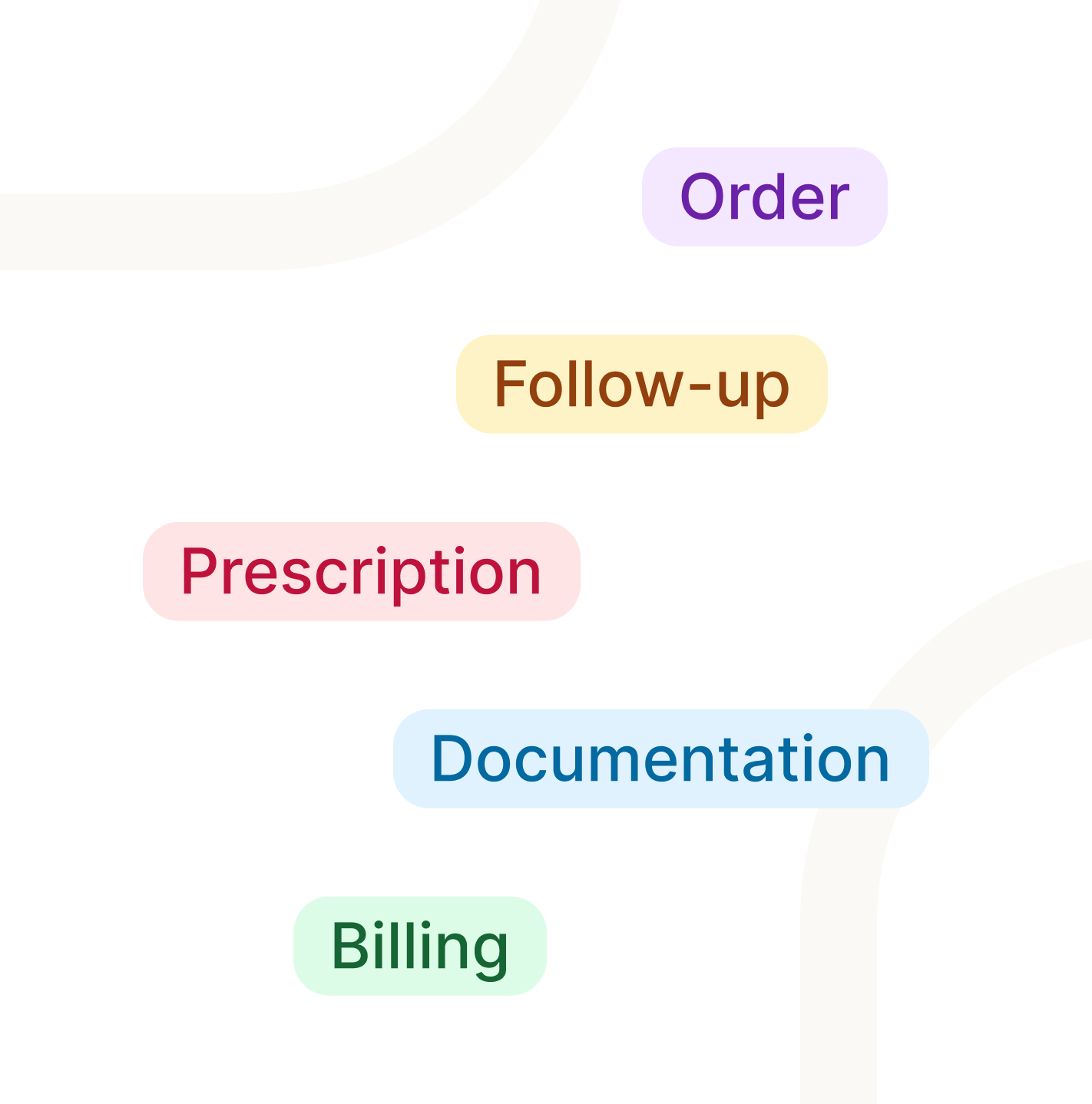
AI Task Management gives you a clear, organized view of what needs to happen after every visit. Referrals to send, labs to order, follow-ups to schedule. Tali surfaces them automatically based on what was discussed in the encounter, so you can move forward quickly and confidently.
No digging back through notes. No relying on memory. Just a simple, connected way to see what comes next and act on it.
Why it matters: Every important follow-up gets captured, so you can focus on the next patient instead of carrying a mental checklist.
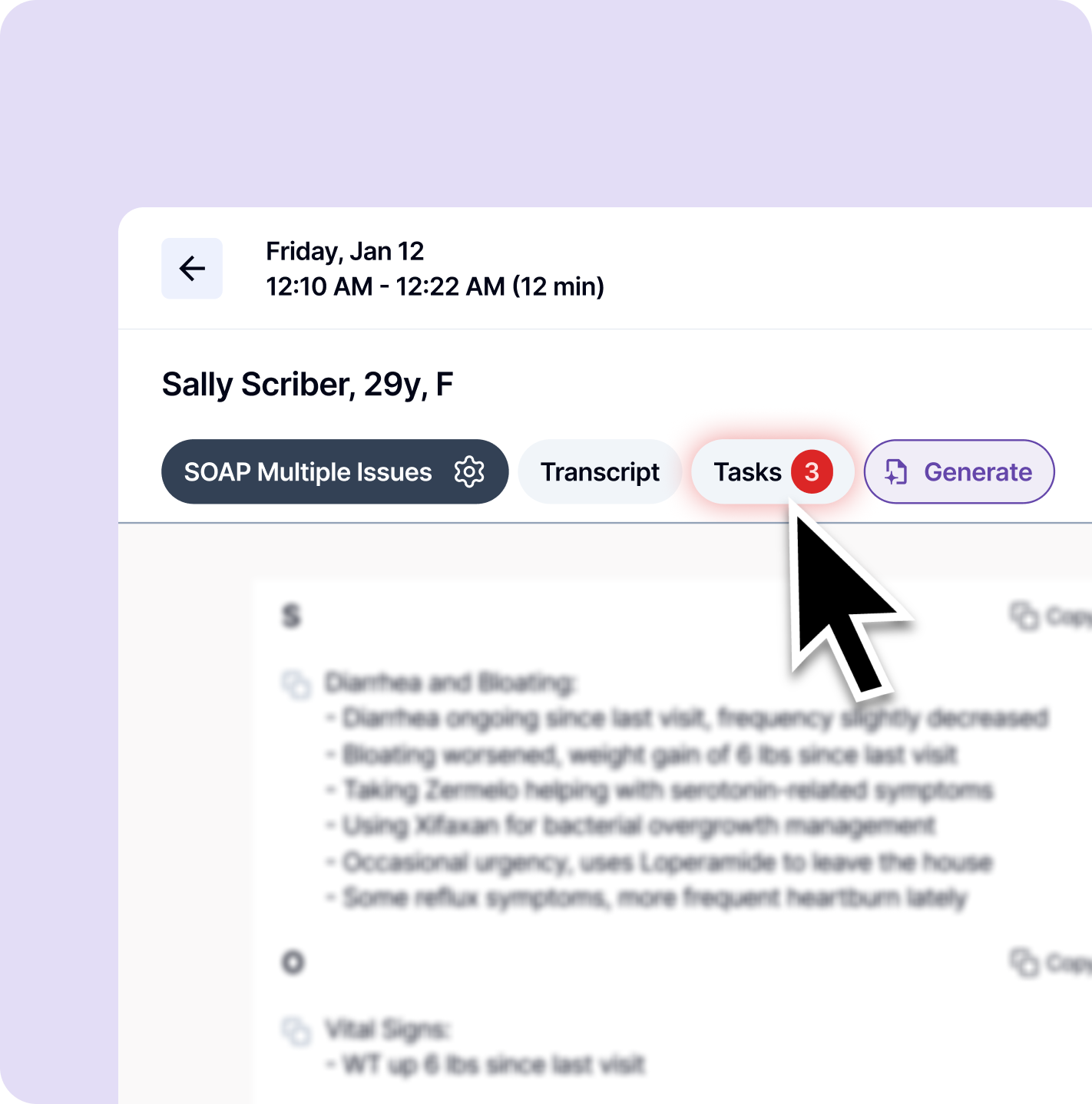
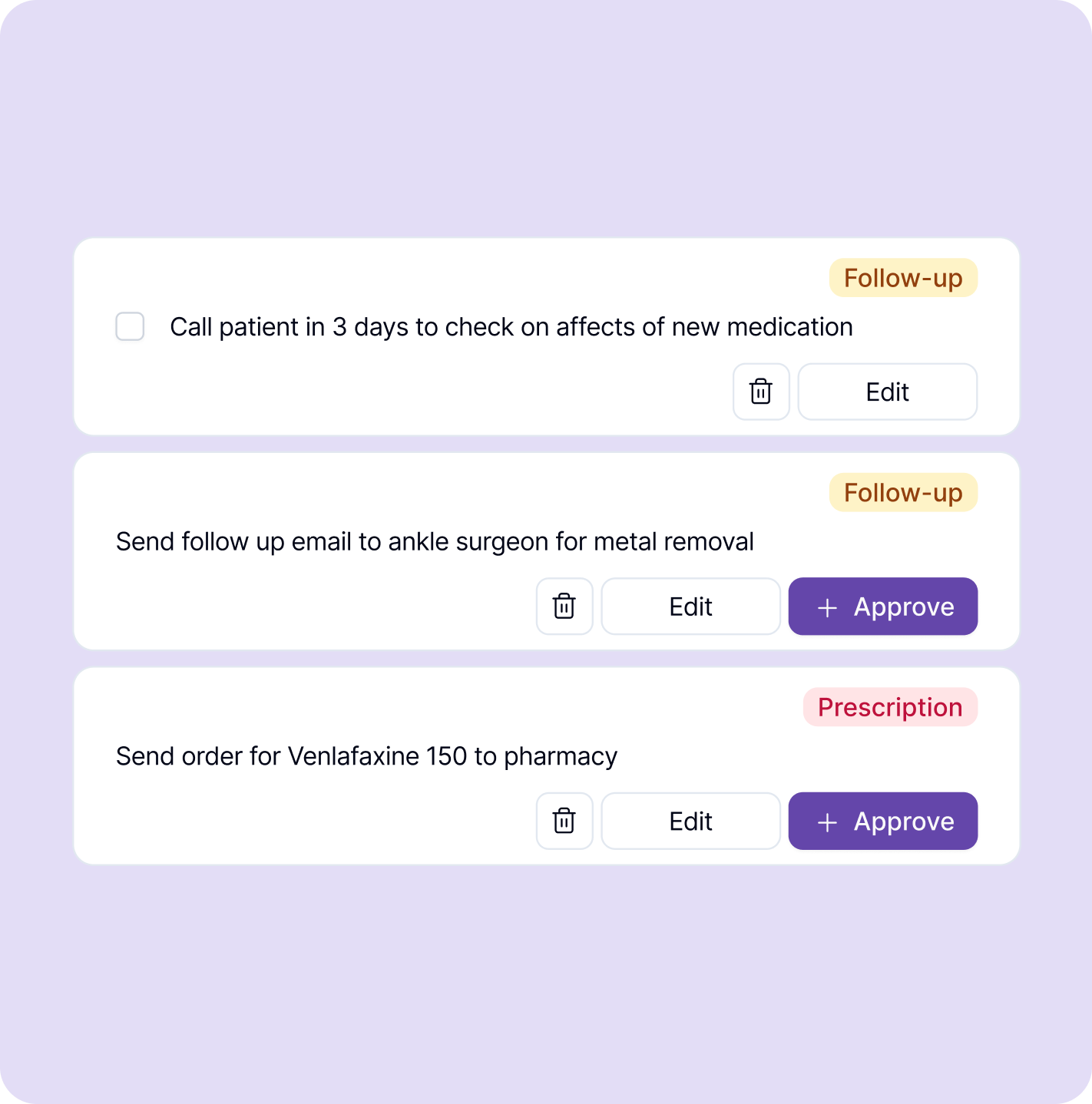
After your visit, Tali reviews the encounter and surfaces relevant next steps tied directly to what was discussed. Suggested tasks might include referrals, lab orders, prescriptions, follow-up appointments, billing actions, or documentation items.
You stay in full control. Review each suggestion, edit the title or category, delete what does not apply, and approve what does. Nothing is added to your task list without your sign-off.
Why it matters: You move from tracking everything yourself to simply verifying and acting. That is a very different kind of workday.
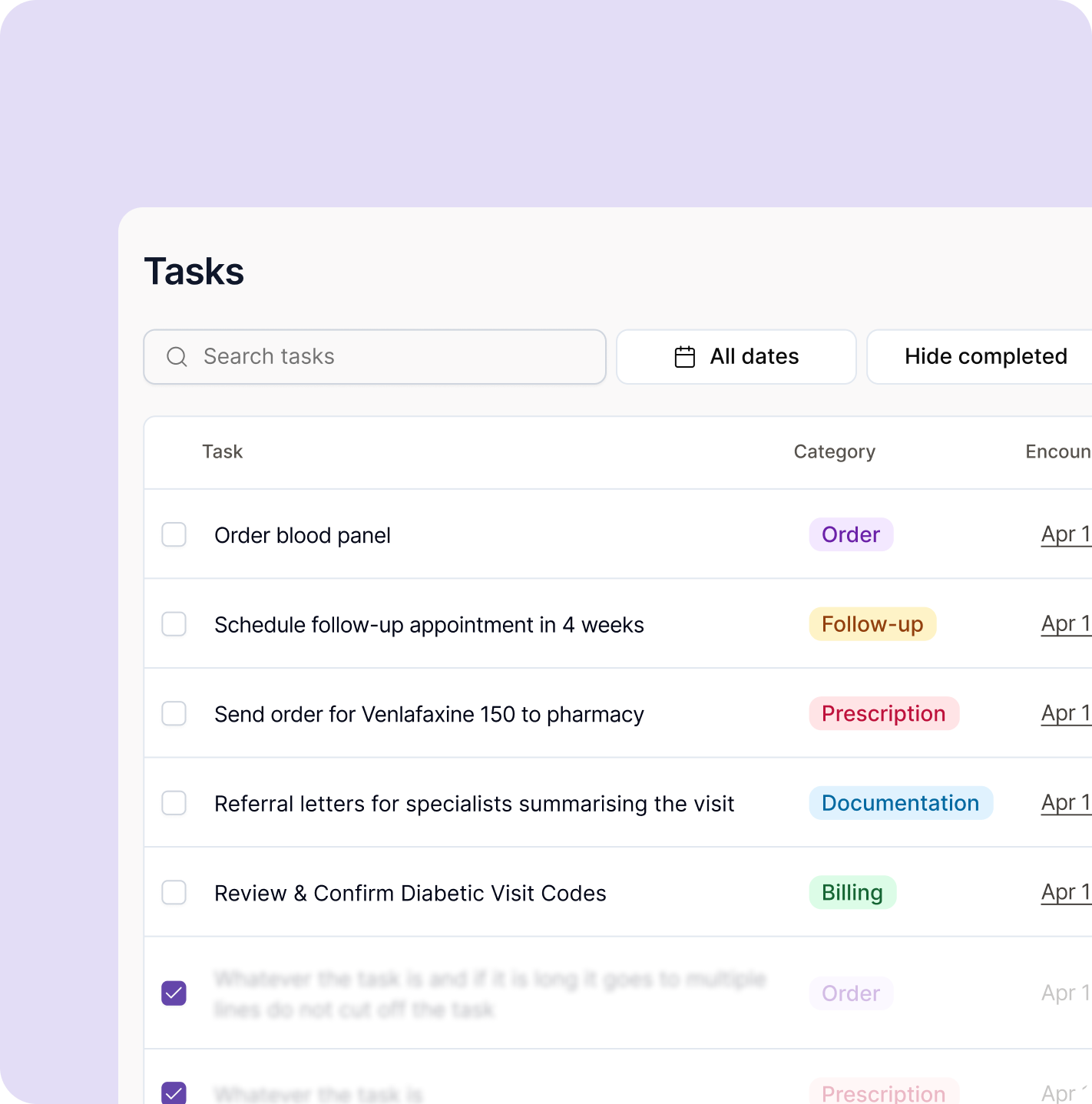
Approved tasks live in your Task Library, a single organized place to see everything that still needs to happen across your patients.
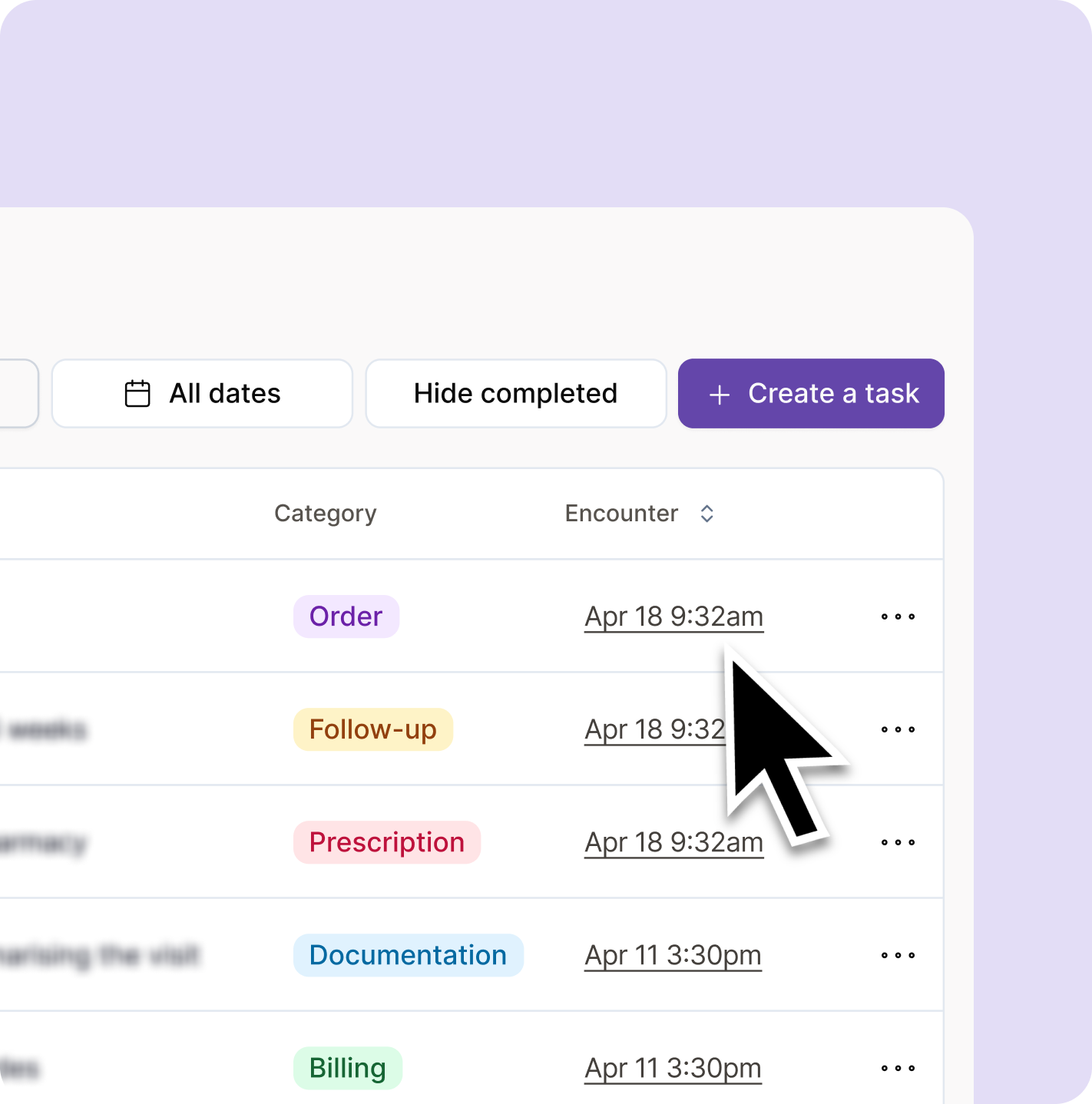
Search by task. Filter by date. Hide completed items. Create tasks manually when needed. Mark things done as you go. Your follow-through lives in the same place your documentation does.
Why it matters: When your follow-up work is visible and organized, you can trust that nothing has been missed.
Every task in Tali stays linked to the encounter it came from. When a task needs context, it is one click away. If your EMR is integrated with Tali, your documentation and follow-up workflow stay even more connected. Less switching between tools. More continuity from the visit all the way through to follow-through.
Why it matters: Tali keeps your clinical day connected, from the moment the visit begins to the moment care is followed through on.
Task Management is currently in beta and available to select users. Join the waitlist to get early access and help shape how the feature develops.
For many providers, the challenge is not one single task. It is the constant switching, the things carried in memory, and the follow-up work that piles up across a full day of patients.Tali helps clinicians stay on top of what comes next, so they can spend less time catching up and more time delivering great care.
The biggest difference is the mental load. I am not carrying every follow-up in my head until the end of the day.
Tali just shows me what needs to happen next. I can focus on the patient and trust that the follow-up is captured.
It is not just about saving time. It is about finishing the day feeling like nothing was missed.
Complete your patient visit and generate your clinical note the same way you normally would in Tali.
After the note is created, navigate to the Tasks tab in your encounter. Tali has already generated suggested next steps based on the visit.
Tasks may include referrals, lab orders, prescriptions, follow-ups, billing actions, or documentation items. Each suggestion is tied to what was actually discussed.
For each suggested task, choose what to do with it. Edit the title or category, delete what does not apply, or approve what does. You are in control of everything that gets added.
You can also add your own tasks directly from the encounter. Click Create a task, add a title, and assign a category.
Approved tasks appear in your Task Library. Search, filter, mark complete, or delete tasks as your day moves forward. Everything that needs follow-through is in one place.
Tali helps reduce the administrative work that surrounds patient care, from documentation and dictation through to follow-up, billing support, and clinical workflows.Instead of treating each task as a separate step, Tali helps clinicians keep more of the clinical day connected, from the moment a patient walks in to the moment their care is followed through on.
Turn in-person, virtual, and phone encounters into structured notes without typing everything manually.
Use Call a Patient to start outbound calls, capture the conversation, and generate a note, all from the same place.
Capture clinical details quickly without stopping to type.
Generate referral letters, patient summaries, and other clinical documents without starting over.
Tali integrates with leading Canadian EMRs to reduce copy-paste work and support a smoother documentation process.
Tali is designed with Canadian clinicians, clinics, privacy requirements, and workflows in mind.
Experience the future of healthcare documentation with Tali's AI-powered solutions.
Start Free TrialTali listens during your encounter and generates accurate, ready-to-review clinical documentation in real time.
Tali uses your encounter to pre-fill structured forms automatically, from disability certificates to insurance documentation.
Tali helps you identify the appropriate billing codes from your encounter, reducing missed revenue and manual lookups.